 Smiley Faces
Smileys vs Emoticons vs Emoji: What's the Difference?
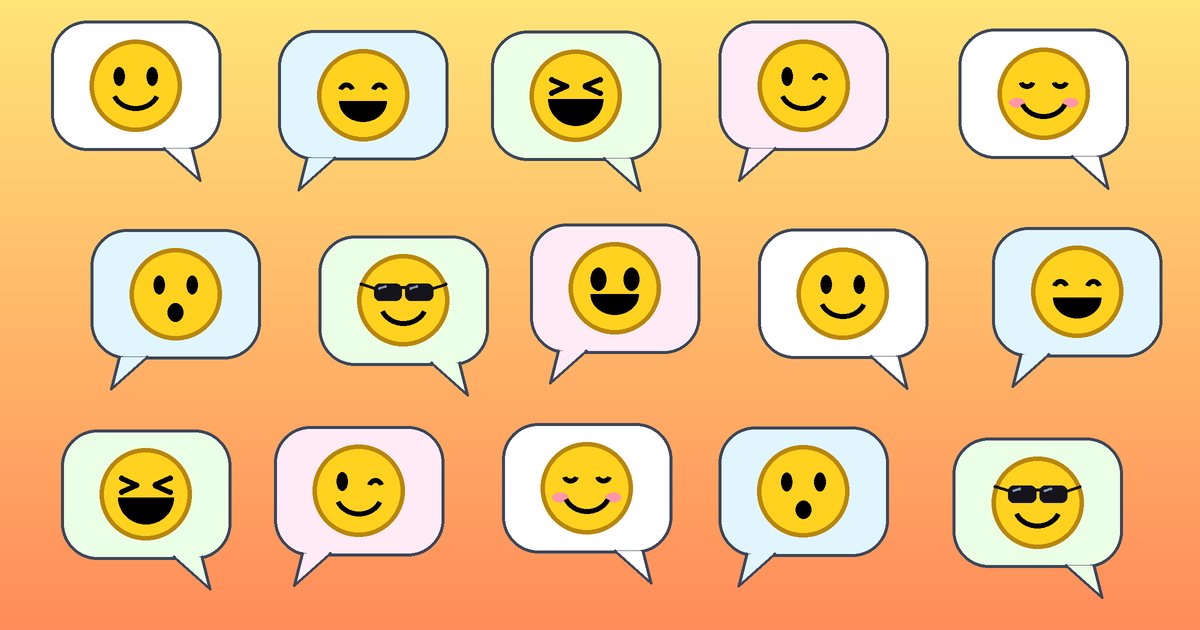
An emoticon is a face built from ordinary keyboard characters, like :-); an emoji is a single picture character from the Unicode standard, like 😊; and "smiley" is the loose, friendly word for any smiling face, whether it is typed, drawn, standardised or animated. The three overlap a lot, which is why people use the words interchangeably, but they come from different places and behave differently on screen.
Emoticons: faces made of punctuation
The word emoticon is a blend of "emotion" and "icon". Emoticons are made from characters you already have on your keyboard: colons, dashes, brackets, semicolons and letters. Each of those marks has its own name and history, covered in this guide to punctuation and typography symbols.
The classic Western style is read sideways, with the top of the head on the left:
:-)or:)happy or joking;-)wink:-(sad:-Psticking out your tongue:-Dbig grin
The sideways smiley was proposed by Scott Fahlman at Carnegie Mellon University on 19 September 1982, as a way to mark jokes on an online bulletin board. The full story is in our history of the smiley face.
In Japan, a different style called kaomoji (roughly "face characters") grew up in the mid-1980s. Kaomoji are read the right way up and often use the larger Japanese character set, for example (^_^) for a smile or (T_T) for crying.
The key point about emoticons is that they are just text. They look slightly different depending on the font, but they never break, and anyone can type them.
Emoji: pictures inside the character set
Emoji is a Japanese word: e (絵, picture) plus moji (文字, character). It has nothing to do with the English word "emotion"; the resemblance is a coincidence.
Emoji began on Japanese mobile phones in the late 1990s. Shigetaka Kurita's 1999 set of 176 emoji for NTT DoCoMo is the best known early example. Each carrier had its own set, so they did not work between networks. In October 2010, Unicode 6.0 standardised 722 emoji, and from then on an emoji became a proper character with an official name and a code point, just like the letter A.
For example:
- 😊 Smiling Face with Smiling Eyes, U+1F60A (Unicode 6.0)
- 😂 Face with Tears of Joy, U+1F602 (Unicode 6.0)
- 🙂 Slightly Smiling Face, U+1F642 (Unicode 7.0)
Because emoji are characters, each platform draws its own version. A 😂 on one phone may look a bit different from the same 😂 on another, even though the underlying character is identical. New emoji are added to Unicode most years, so very new ones can show up as an empty box on older devices.
Smileys: the umbrella term
"Smiley" is the oldest and least technical of the three words. It can mean:
- the round yellow smiling face first drawn by Harvey Ball in 1963
- a typed emoticon like
:) - a face emoji like 😀 Grinning Face (U+1F600)
- the small image smileys used on forums and message boards
That last group is where animated smileys live. These are little GIF images, not characters, so they can move: a face that blinks, laughs or waves. Our basic smiley blinks at you, and the laughing smiley does exactly what you'd hope.


Quick comparison
| Emoticon | Emoji | Animated smiley | |
|---|---|---|---|
| What it is | Text characters | One Unicode character | An image file (usually GIF) |
| Example | :-) |
😊 | A blinking yellow face |
| Can it move? | No | No (some apps animate them) | Yes |
| Looks the same everywhere? | Mostly, depends on font | No, each platform draws its own | Yes, it's the same image |
| How to use it | Type it | Pick from the emoji keyboard | Paste an image link or code |
Which one should you use?
Use emoticons when you want something that works absolutely everywhere, including plain-text email and old terminals. Use emoji in chat apps and social media, where they are quick to insert and widely understood. Use animated smileys when you want more personality or a specific action that no emoji covers, such as a smiley whistling innocently after a cheeky comment, or a crowd doing a stadium wave.

Animated smileys are especially at home on forums that support BBCode or HTML. If you have never added one, see how to embed a GIF in a forum post.